
Dwell time has been on my mind lately.
It’s one of those ranking signals that gets discussed but rarely acted on. The concept is simple: how long someone stays on your page before bouncing back to search results. The longer they engage, the stronger the signal that your content delivered value.
What’s changed is that this pattern now extends beyond traditional Google search. Large language models like ChatGPT, Claude, Gemini, and Perplexity appear to factor engagement into how they evaluate which sources to surface. The systems are different, but the underlying logic is similar: content that holds attention signals something different than content that doesn’t.
The challenge is that most website content is static. Visitors arrive, read, and leave. The interaction model is one-directional. You can write the best article on a topic, optimize it perfectly, and still watch people consume it passively for 30 seconds before moving on.
Building interactive elements used to require:
- Development resources
- Custom calculators
- Configurators
- Planning tools
These were projects that needed technical expertise and budget. Most businesses couldn’t justify the investment for individual pages.
That barrier is dropping. And the tool that caught my attention is called Canvas, built into Google Gemini.
What Google Gemini Canvas Does
Google Gemini Canvas generates fully functional, embeddable apps based on natural language prompts. No coding required. You describe what you want the app to do, and Canvas structures the logic, writes the code, and outputs something you can embed on a website.
It’s available through Google Gemini if you have Google Workspace Pro. You access it by opening Gemini, clicking on Tools, and selecting Canvas. From there, you prompt it the same way you’d prompt any AI assistant, but instead of getting text back, you get a functional application.
The interface is straightforward. You speak or type what you need, and Canvas processes the request and outputs the code. The whole process takes about a minute for a basic app.
I wanted to test what it could produce with minimal preparation, so I ran a live demo using something I’m actually planning right now.

The Live Demo: Building an Itinerary Planner
My wife and I are taking my mother-in-law to Europe for two weeks. We’re visiting Paris, London, Milan, and Edinburgh. I figured this would be a good test case.
I opened Gemini, navigated to Canvas, activated the microphone, and said:
“Hey Gemini, I need your help with building an app. I’m taking my mother-in-law and my wife on a two-week-long European vacation, and we are visiting the following cities: Paris, London, Milan, Edinburgh, Scotland. We have about two weeks for this vacation. I need your help to build an app that will allow me to make great choices on what to do in those cities.”
Not a sophisticated prompt. I kept it simple intentionally to see what Canvas would produce with a basic request.
I watched it work in real time. It started by structuring city guides, then moved into writing the code, and then assembled the interface. The whole process took about a minute.
What the Output Looked Like
Canvas generated an app called “Eurotrip Planner.”
It divided the two weeks across the destinations: four days in London, four days in Paris, three days in Milan, and three days in Edinburgh. Each city section included suggested activities and points of interest. There was a daily planner component and a section for travel essentials.
The code was right there, ready to copy and embed.
Now, the output wasn’t perfect. My prompt was basic, so the app was more of a static itinerary than an interactive builder. I should have asked for selectable options, maybe three or four activity choices per day that users could pick from. That would have made it genuinely interactive rather than just informational.
This is the same principle that applies to every AI tool. The quality of the input shapes the quality of the output. Canvas can produce sophisticated applications, but it needs clear direction to do so.
Why This Matters for Service Businesses
Let me bring this back to practical application.
Consider a travel agent with a page about European vacation packages. Right now, that page probably has text describing destinations, some images, maybe testimonials, and a contact form. Visitors read it and leave.
What if that page had an embedded itinerary builder? Visitors could
- Select cities
- Choose activity types
- Build a preliminary plan
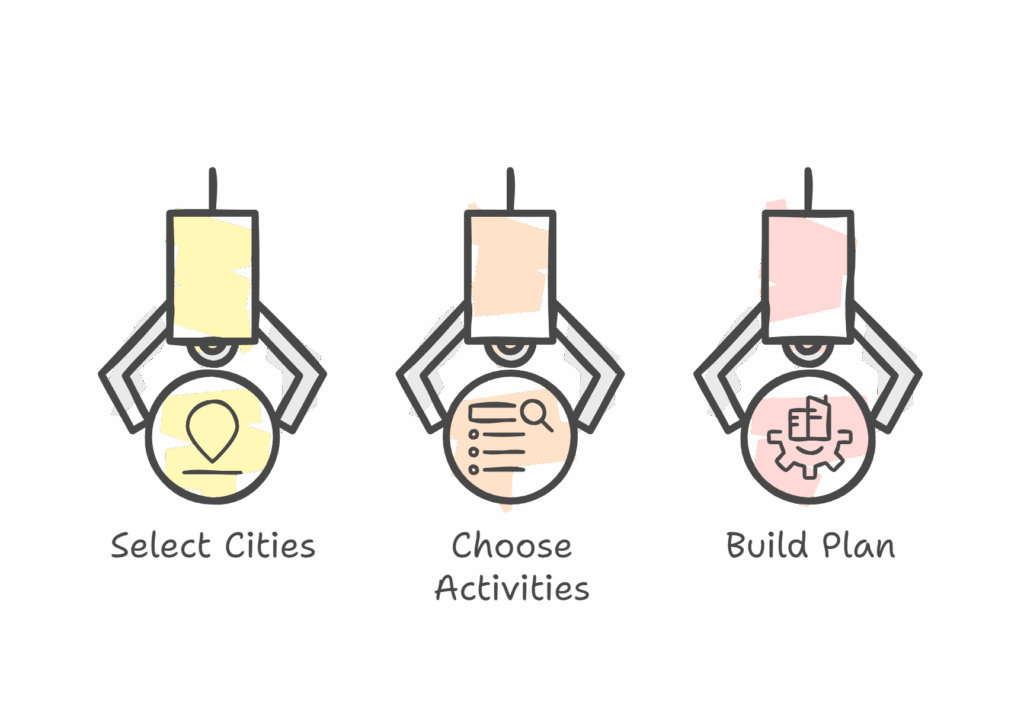
They’d be engaging with the content rather than just consuming it.
That engagement translates to time on page. And time on page sends a signal to search systems that the content delivered value.
This applies across industries:
A contractor could embed a project estimator.
- User inputs basic details about their project, and the app provides a rough scope or next steps.
A financial advisor could offer a retirement planning calculator.
- User enters their current situation, and the app shows projections.
A fitness studio could create a class recommendation tool.
- User selects their goals and availability, and the app suggests which classes fit.
A restaurant could build a catering menu configurator.
- User selects event type and guest count, and the app builds a suggested menu with pricing.
The common thread is transforming pages that exist to inform into pages that exist to interact. Each of these examples takes static content and adds a functional layer that gives visitors a reason to stay and engage.
The Technical Considerations
Canvas generates the code automatically. You don’t need to know JavaScript or any other language. The code appears in the interface, ready to copy.
Getting that code onto your website is a separate step. Depending on your platform, this might be straightforward or might require some technical help. If you’re comfortable editing your site’s backend, you can likely handle it yourself. If not, a developer can embed it quickly.
The app creation itself is handled entirely by Canvas. The implementation varies by website platform.
Canvas is part of Google Workspace Pro, so there’s a subscription requirement. If you’re already using Workspace for business, you likely have access. If not, that’s a consideration.
What This Means for SEO and AI Search
The broader context here is worth understanding.
Search systems, both Google and AI platforms, are developing increasingly sophisticated ways to evaluate content quality. Engagement appears to be part of that evaluation. Pages that hold attention signal something different than pages that don’t.
Interactive content tends to increase time on page naturally. When visitors are doing something rather than just reading, they stay longer. That extended engagement becomes a signal.
This doesn’t guarantee ranking improvement. Search algorithms are complex, and no single factor determines outcomes. But the pattern is consistent enough to pay attention to: content that invites interaction tends to perform differently than content that doesn’t.
We’re moving into an era where static content competes against content that offers more. Tools like Canvas lower the barrier to creating that “more.” The technical lift that once required a dedicated development project can now be handled through prompting in a few minutes.
The Bigger Picture
What interests me about Canvas isn’t just the tool itself. It’s what it represents about where content is heading.
The question used to be: what information should this page contain?
The question now is: what can visitors do with this page?
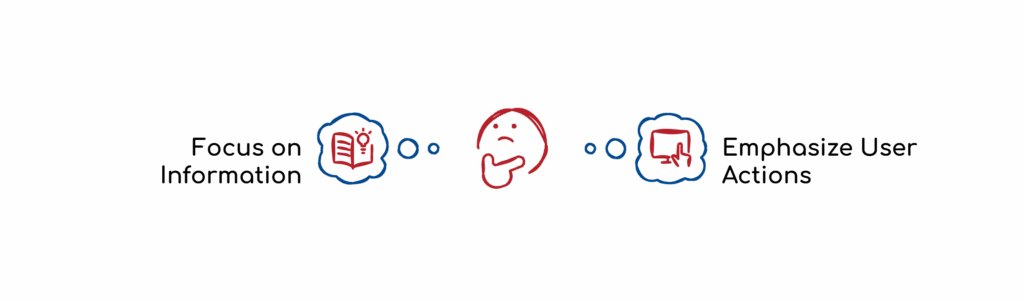
That shift changes how we think about content strategy. It’s not just about creating comprehensive information. It’s about creating experiences that invite engagement.
I’ve been doing SEO for nearly 30 years. The fundamentals haven’t changed: create valuable content that serves user intent. But the definition of “valuable” keeps expanding. Value used to mean comprehensive information. Now it increasingly means useful functionality.
The websites that figure this out will have an advantage. The tools to build interactive content are becoming accessible to anyone willing to learn them.
Try It Yourself
Google Gemini Canvas is available at gemini.google.com/app under Tools. If you have Workspace Pro, you can start testing it today.
Start simple. Describe an app that would be useful for your audience. See what Canvas produces. Refine your prompt based on the output. Then work with your web team to embed it.
If you want to go deeper on how AI is changing search and content strategy, our next AI SEO & GEO Summit covers these topics in detail. It’s free, and we bring in practitioners who are getting real results.
As always, stay safe and healthy.
Cheers,
Chris