
Google just quietly rolled out a workflow automation tool inside Workspace, and most people have not even noticed it yet.
I have been running both chrisraulf.com and Boulder SEO Marketing on Google Workspace for years. About three or four months ago, a new icon appeared in Gmail. No big announcement, no feature rollout email from Google, just a subtle addition to the interface that most people scrolled right past. I almost did too. The tool is called Google Workspace Studio, and once I dug into it, I realized Google had done something genuinely useful here, something that directly addresses one of the most persistent time drains in any knowledge-based business: inbox management.
Watch the full video above to learn more.
What Is Google Workspace Studio?
Google Workspace Studio is a workflow automation tool built directly inside your existing Google Workspace environment. You access it through a small icon in Gmail. Click it to take you to an interface where you can create automated processes to manage your inbox and other repetitive tasks. No separate app, no new subscription, no API setup. It is just there, embedded in the environment you are already using every day.
The simplest way to think about it: you describe what you want done, and the system handles it. The interface is designed for non-technical users. You do not need to write automation scripts or understand workflow logic; just explain what you need, as you would to a person. Google built this to be accessible, and from what I have seen in my own use, they largely succeeded.
Google also released a short explainer video, about two and a half minutes long, alongside this tip on how to get started with Workspace Studio. I have linked it in the resources section below. Watch it alongside today’s video to have everything you need to get this running today.
The Inbox Problem Nobody Talks About Honestly
I will be honest with you: my inbox is a disaster, and I suspect yours might be too. When you are running an agency, fielding client questions, managing a team spread across the US and other parts of the world, staying current on AI and SEO developments daily, and preparing for speaking engagements across multiple continents, the email volume is relentless.
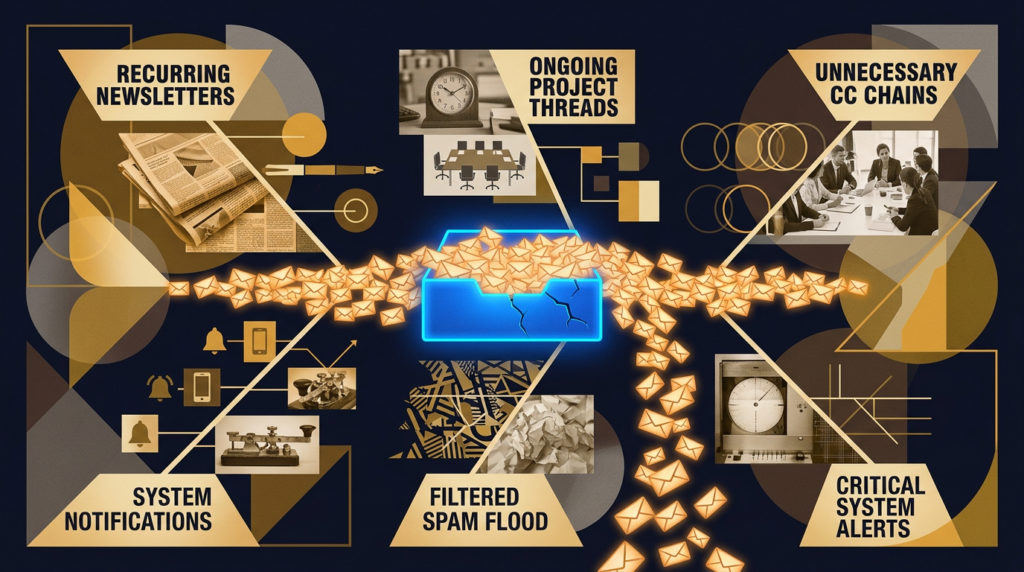
The average knowledge worker spends between one and two hours per day just managing email, time not spent on strategy, content creation, or anything that actually moves the needle for your business. The problem is not that email is inherently bad. It is that the manual overhead of sorting through it has always been disproportionately expensive relative to the actual value most messages deliver. Most of us just have not found a workable solution that does not require adopting yet another platform or paying another subscription fee.
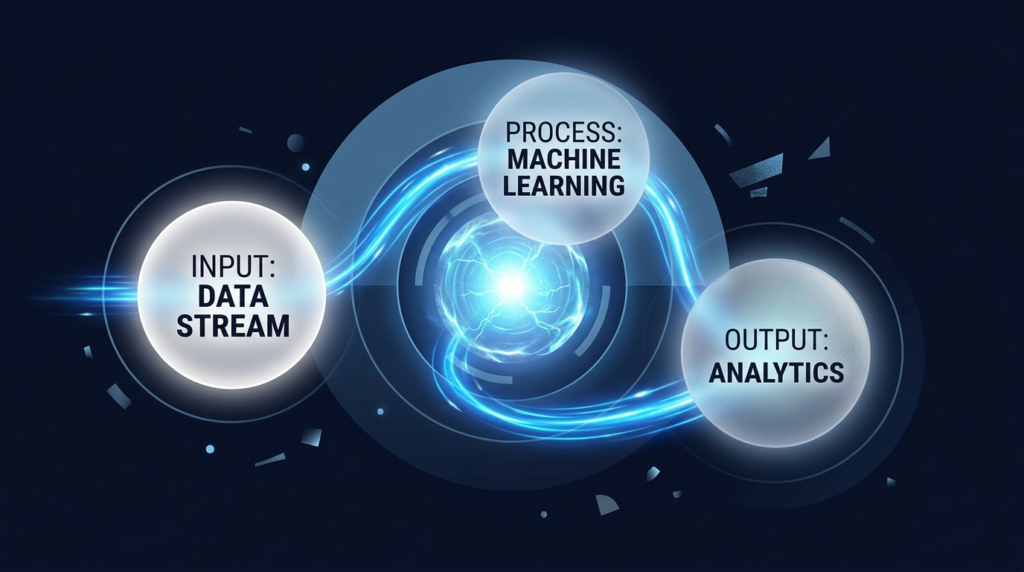
Workspace Studio removes that barrier entirely. Because it is native to your Google Workspace environment rather than a third-party integration, it has full access to your inbox without any additional configuration. That is a meaningful distinction from tools like Zapier or Make that require you to connect systems separately. The fact that it lives inside Gmail means the adoption friction is essentially zero.
How the Templates Work in Practice
When you open Workspace Studio for the first time, you will find a library of pre-built workflow templates. I started with the most practical one: get a daily summary of unread emails. You activate it, configure a few basic settings, and instead of opening Gmail to 40 unread messages every morning, you get a single organized digest. Start there and get comfortable before building anything more complex.
The template library covers more ground than just inbox summaries. You can create processes based on sender, subject line, time of day, or custom conditions you define in plain language, and you can chain multiple steps together by clicking “add step” and describing each one. I strongly recommend using the test run option before going live. Knowing you can preview the output before committing removes the hesitation most people feel when setting up automation for the first time.
The custom workflow input is what impressed me most. Type what you need as you would explain it to a colleague, and the interface interprets your intent. It is not flawless, but the recognition is solid for a feature that launched this quietly.
Why This Matters Beyond Inbox Management
I want to be direct about something, because I think it has implications that go beyond email productivity.
One of the patterns I keep returning to after nearly 30 years in this industry is that the technologies that get widely adopted are not the ones that ask you to change how you work. They are the ones that embed themselves into the workflow you already have and reduce friction, not add it. Workspace Studio is a small but telling example of where AI capability is heading at the infrastructure level. Google is not asking you to find a new platform. They are building the capability into the environment where you already spend significant hours every day.
That is precisely the same dynamic playing out in search right now. AI Overviews are not arriving as a separate product you seek out. They are embedded directly into the search experience, changing how content gets surfaced and who gets cited without any additional action from the user. Understanding that pattern at the tool level makes it easier to see what is happening at the search and content level. Friction is being removed, AI assistance is becoming ambient, and businesses paying attention to these embedded signals now will have a meaningful head start when the wider market catches up.
The Time You Recover Is the Point
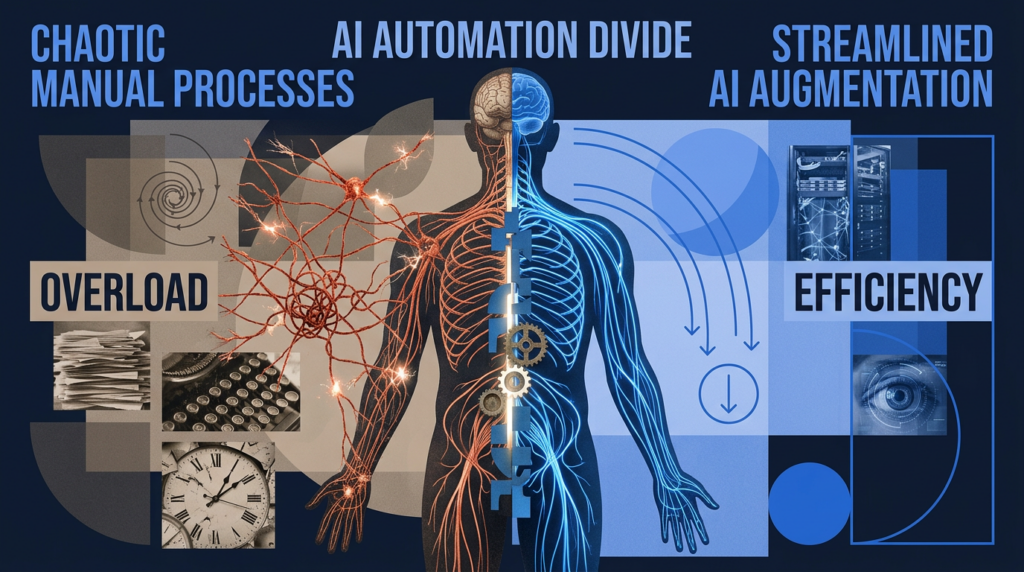
I have thought a lot about where time goes, mine and my team’s. Running two brands, speaking internationally, hosting quarterly summits, and managing client relationships directly as a founder. Any tool that recovers meaningful time from low-value overhead is worth taking seriously, and even if Workspace Studio saves you 20 minutes a day, that adds up to over 80 hours a year. Across a team, multiply that out. Workspace Studio is not a transformational product on its own, but it is a real, practical starting point for building a more automated daily workflow inside tools you are already paying for.
What to Do Right Now
Open Gmail and look for the Workspace Studio icon. If you do not see it immediately, Google did a very soft launch, and some accounts received it slightly later. Check your settings and keep an eye out. Once you are in, start with the daily email summary template, activate it, run the test, and see how it performs against your actual inbox before building anything custom. Watch Google’s short explainer video linked below alongside my full demo in today’s video. Together, they give you everything you need.
What to Do Next
If today’s tip resonated with you and you want to go deeper into how AI is changing not just productivity but also search itself, I would like to personally invite you to our upcoming AI SEO and GEO Online Summit. We host these every three to four months, and the next one features conversations I am genuinely excited about, including a discussion on how SEO has evolved over the past 30 years, a panel on digital PR and E-E-A-T building, and a live demonstration of how we are getting clients ranked in both Google and large language models like Perplexity, Claude, and Gemini.
The lineup includes Dennis Yu, CEO of Blitzmetrics. We both got into SEO around the same time, roughly 30 years ago. There is also a panel featuring Josh Steimle, CEO of MWI, one of the top digital PR professionals in the industry, joined by Brett Farmiloe, founder of Featured.com, focusing on digital PR, entity optimization, and building your E-E-A-T score. Daniel Burns, our COO at Boulder SEO Marketing, will walk through the BSM Copilot platform, and Harold De Guzman, our Head of AI Research, will discuss how we are approaching rankings in both traditional and AI-powered search environments.
Watch it live here: ChrisRaulf YouTube Channel.
Can’t find it there? Catch it here: Boulder SEO Marketing YouTube Channel. I look forward to seeing you there.
Stay safe and healthy.
Cheers,
Chris