
How many tools does your team actually use to produce one branded graphic? Three? Five? I’ve watched marketing teams spend an entire morning trying to get a clean infographic out the door, shuffling between platforms, re-uploading assets, and fixing off-brand fonts. It doesn’t have to be this complicated.
This week, our Head of AI & Research, Harold De Guzman, walked through Gamma‘s newest feature, Gamma Imagine, and what it means for anyone doing content marketing right now. And then he showed something that genuinely surprised even our team: Gamma is now accessible directly inside Claude as an MCP connector. One prompt in Claude, and your carousel is live in Gamma. Watch the full video above to learn more.
What Gamma Imagine Actually Does
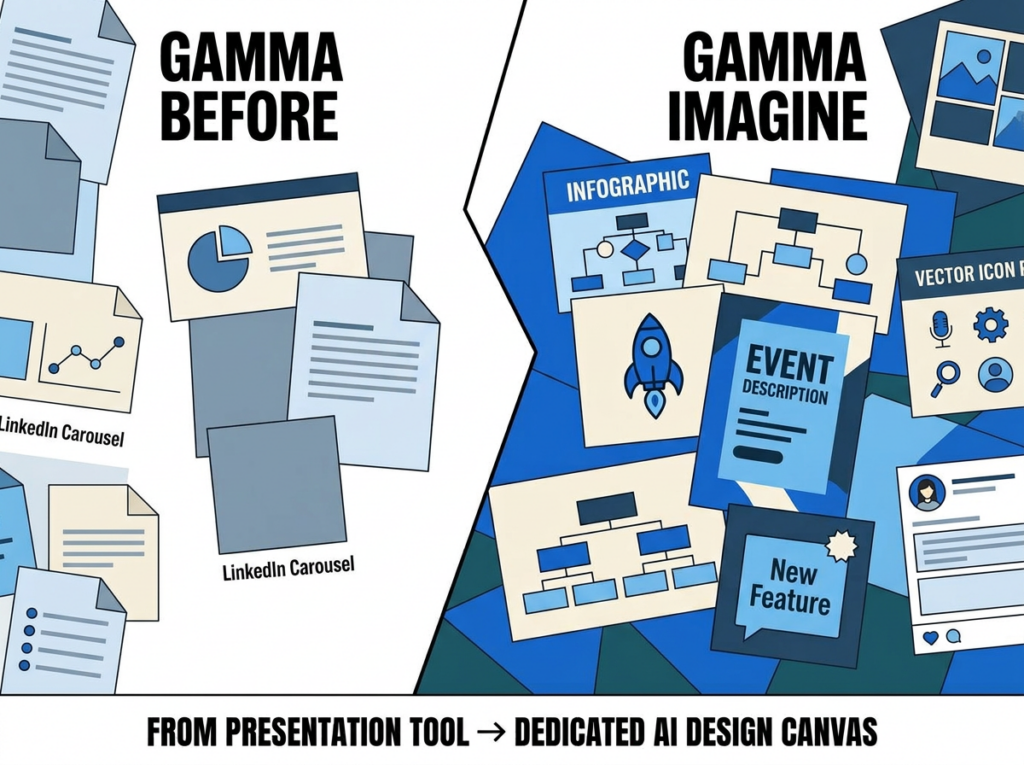
Gamma has been around for a while as a presentation and document tool. Our team has used it for LinkedIn carousel posts, and it’s been solid for that. But this new Imagine feature is a meaningful expansion. It’s a dedicated AI canvas for graphic design: infographics, diagrams, logos, posters, team structure charts, and social media posts.
You describe what you need, pick a layout, choose a theme, set your aspect ratio and quality level, and Gamma builds it. Harold tested a magazine-style infographic prompt, asking it to visualize the layers of a large language model. The output was clean, the labels were accurate, and it pulled the right conceptual structure without needing a long, detailed prompt.
That’s the part worth paying attention to. It’s not just generating a pretty image. It understood the technical subject matter and organized it into a logical visual hierarchy. For anyone explaining complex AI SEO concepts to clients, that has real practical value.
Think about what that actually means for your content workflow. You’re not hiring a designer for every blog post visual. You’re not spending 2 hours trying to make an infographic look professional. You describe the concept, Gamma interprets it, and you spend your time on review and refinement instead of construction. That’s the shift.
Harold also tested a system architecture diagram at premium quality, in 16:9 format, with a deep-dive prompt on large language models. The output showed clear labeling, logical structure, and visual hierarchy that would hold up in a presentation or a published article. For a team regularly producing AI SEO content at scale, this removes one of the biggest production bottlenecks we’ve dealt with.
Why the Quality Jump Matters
There’s a wide gap between “good enough to post” and “good enough to represent your brand professionally.” Harold tested both the standard- and premium-quality settings at a 16:9 aspect ratio. The premium output produced crisp text, well-structured graphics, and a resolution that holds up on a desktop screen or in a LinkedIn post header.
He mentioned that Gamma is catching up with other design AI tools, which is accurate. The differentiator isn’t just output quality, though. It’s that Gamma Imagine lives within the same tool your team already uses for presentations and carousels. That workflow consolidation matters more than any individual feature.
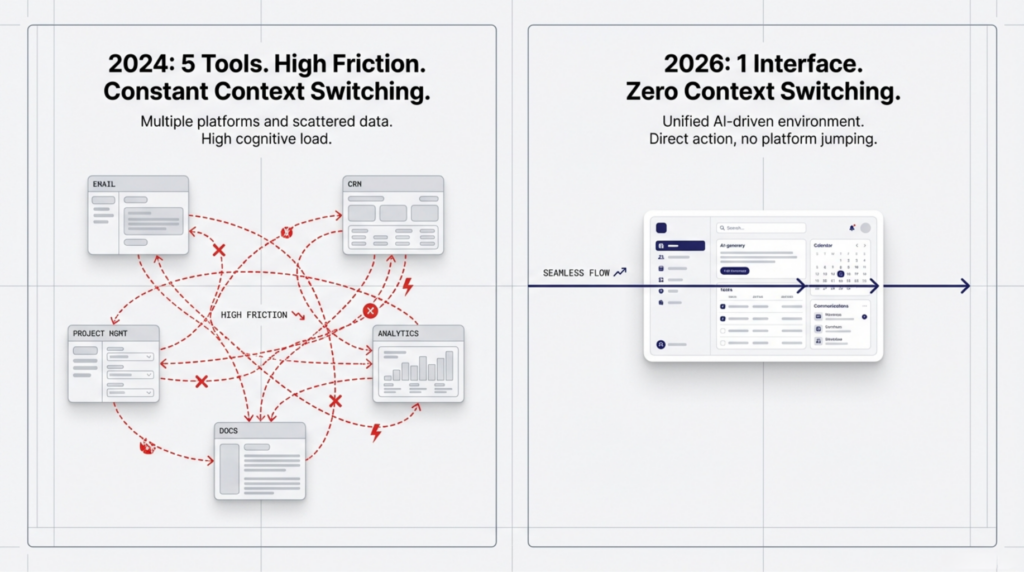
For teams managing visual content across multiple formats, having a single workspace that handles the full range from infographics to carousels to branded logo concepts significantly reduces coordination overhead. Harold generated summit promotional graphics, BSM Copilot logo concepts, and infographics within the same session.
Here’s what I keep telling clients who ask about AI tools for content production: the question isn’t whether any single tool is the best at any single task. The question is which combination yields the highest output quality at the lowest context-switching cost. Gamma Imagine answers that question for visual content in a way that nothing else in this price range has.
The logo generation alone is worth exploring if you’ve ever needed a quick concept mockup for a client presentation or a new internal tool. Harold generated several BSM Copilot logo options in one session. They were sharp, high-resolution, and immediately usable. Not placeholder sketches. Actual assets you could drop into a blog post or a website today.
Gamma Inside Claude: The MCP Connection
Here’s where this gets genuinely useful for teams already working inside Claude. Gamma is now available as an MCP connector. Inside Claude’s settings, under Connectors, you link your Gamma account. Once configured, you can prompt Claude directly to create a LinkedIn carousel, and it will generate the content and automatically push it into your Gamma workspace.
Harold demonstrated this with a real prompt: create a LinkedIn carousel post about the top 10 AI tools for 2026. Claude accessed Gamma, recognized the BSM custom theme, applied brand colors and logo, and built the carousel. The output was ready for manual review and export.
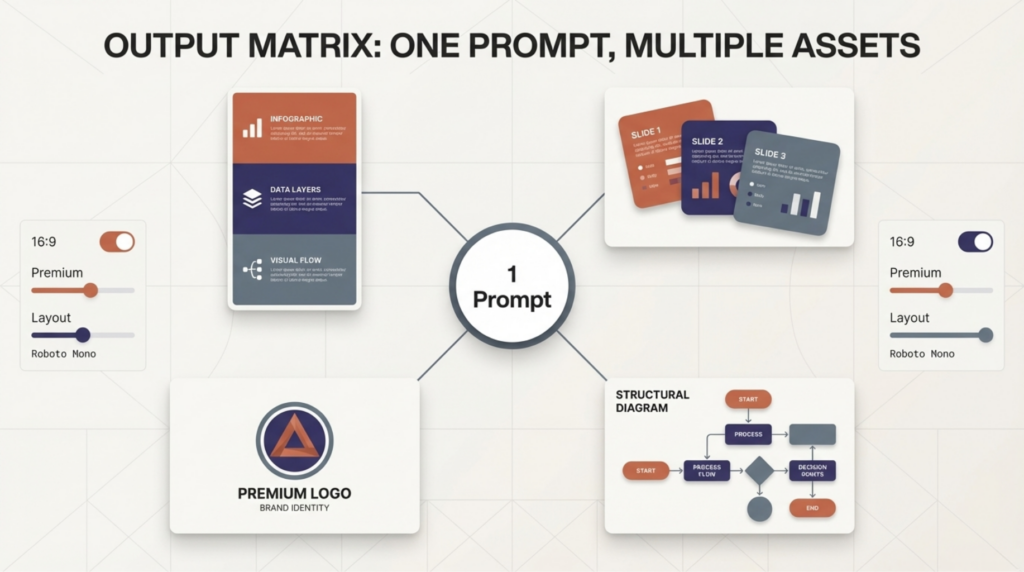
This is the direction AI tools are heading. Not standalone products competing with each other, but connected AI agents working inside a single interface. I’ve been talking about AI agent readiness as a strategic priority for months. This is a live example of what that actually looks like in a content production workflow.
The setup takes about two minutes. Go to Settings in Claude, then Connectors, find Gamma, and connect your account. From that point forward, any content-creation prompt in Claude can trigger Gamma to generate the visual output simultaneously. You’re not copying and pasting between tabs. You’re issuing a single instruction and receiving both the written and visual deliverables within the same workflow.
I want to be clear about what this represents strategically. MCP, which stands for Model Context Protocol, is the infrastructure layer that enables AI tools to communicate directly with one another. What Harold is demonstrating here isn’t just a product feature. It’s what AI-native content workflows actually look like at the operational level. If your team isn’t building around MCP-connected tools in 2026, you’re going to feel that gap within the year.
Custom Brand Themes Carry Over
One of the consistent frustrations with AI-generated content is maintaining brand consistency. If your logo isn’t in the tool, if the colors aren’t set, if the font defaults to something generic, you’re adding a manual correction step every time.
Gamma’s team theme feature solves this within their ecosystem. Harold showed the BSM theme saved under the team library, with brand colors and logo already loaded. When he prompted Claude to create content using that theme, Gamma applied it automatically. The carousel came out on-brand without any manual adjustment.
For agencies managing multiple client accounts, this is significant. You set the brand once, and every subsequent asset pulls from it. That’s the kind of operational efficiency that makes AI tools genuinely time-saving rather than just technically impressive.
What this means practically: if you manage local SEO content for multiple clients, you build a theme for each client in Gamma’s team library, and then every carousel, infographic, or social graphic you generate through the Claude-Gamma workflow automatically reflects the right brand. No manual color hex lookups. No re-uploading logos. No sending assets back for brand corrections.
This is also where E-E-A-T starts to show up in a place most people don’t expect it. Consistent brand presentation across every content touchpoint signals credibility. It tells search engines and AI platforms alike that there’s a real, coherent organization behind this content.
Where This Fits in a Real Content Workflow
Our team produces a consistent volume of content across LinkedIn, email newsletters, YouTube, and now visual assets for our AI SEO & GEO Online Summit on April 1, 2026. Coordinating that across multiple tools has always required more manual handoffs than it should.
The Gamma-Claude MCP integration compresses several of those steps. Harold’s workflow for this week’s tip started in Claude, generated the newsletter structure, then moved to Gamma for the visual components, all from the same session. That’s not a minor convenience. That’s a meaningful reduction in production time.
For anyone running Micro SEO Strategies℠ and producing supporting content at scale, tools that integrate cleanly into your existing AI workflow are worth prioritizing. The best content operation in 2026 is the one that moves from insight to published asset with the fewest unnecessary steps.
I’ve been doing SEO long enough to know that the teams who win aren’t always the ones with the best strategy on paper. They’re the ones who can execute consistently, at volume, without sacrificing quality. AI tool integration, such as the Gamma-Claude connection, makes that possible for teams that aren’t running 20-person content departments.
One more thing worth noting: Gamma is actively building. The Imagine feature and the MCP integration were launched recently. This is a tool with clear momentum. Getting your team comfortable with it now means you’re ahead of the adoption curve, not scrambling to catch up when it becomes standard in your industry.
What to Do Next
If you’re not using Gamma already, start there. Create a free account and run through the Imagine feature with a real use case from your business. Test an infographic prompt on a topic you regularly explain to clients. Look at what it produces without much prompting and calibrate from there.
If you’re already in Claude and haven’t set up the Gamma MCP connector yet, go to Settings> Connectors and add Gamma. It takes two minutes. Then prompt Claude to build a carousel on any topic your audience cares about and see what comes out.

If you’re running a team, set up your brand theme in Gamma’s team library before you do anything else. That one setup step is what separates consistent on-brand output from the kind of AI-generated content that needs a designer to fix before it goes anywhere.
And if you want to see where this technology is headed in the context of AI SEO and Generative Engine Optimization, our AI SEO & GEO Online Summit is coming up on April 1, 2026, from 9 AM to 11 AM Mountain Time. We’ll be covering AI agent workflows, MCP integrations, and what the next 12 months look like for SEO teams building around AI-native infrastructure. Register at chrisraulf.com/ai-seo-geo-summit/.
Stay safe and healthy.
Cheers,
Chris