
Every company faces the same challenge with internal training: someone needs to research a topic, synthesize the information, and turn it into something the team can actually use. That process typically takes days. Sometimes weeks. And it usually requires either design skills or a budget for someone who has them.
We ran into this recently at Boulder SEO Marketing. The problem was LinkedIn optimization for our team.
Watch the video above to learn more.
Here’s the context. We have about 20 employees. LinkedIn matters more to SEO than most people realize. When team members link to the company website from their profiles, those count as active backlinks. Google pays attention to LinkedIn. But getting employees to actually optimize their profiles and keep them up to date is a challenge every small company faces.
I needed a training that would clearly explain best practices, make implementation straightforward, and not take weeks to produce. So I asked Harold De Guzman, our head of marketing, to figure it out.
What he came back with surprised me. Not because the training was good, which it was, but because of how fast he built it.
The Tool: Google Notebook LM
Harold used Notebook LM, a free tool from Google that I’d been hearing about but hadn’t fully explored. What caught my attention was a video from Grace Leung, an AI and digital marketing expert whose content I’ve been following. Grace was actually featured alongside me in SE Ranking’s AI for SEO Expert Framework course, and Grace Leung’s YouTube channel has become one of my go-to resources for understanding how these tools work in practice.
Grace described Notebook LM as a content system rather than just a research tool. That framing clicked for me when I saw what Harold produced.
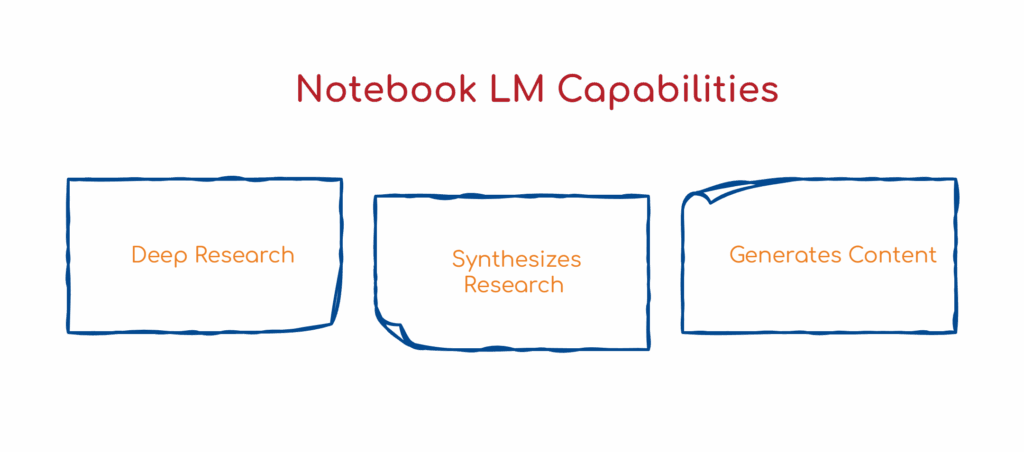
Notebook LM does several things. It conducts deep research across sources. It synthesizes that research into coherent outputs. And it generates multiple content formats from that synthesis: reports, mind maps, slide decks, even AI-generated podcasts.
Harold generated the slide deck for our LinkedIn training.
What Harold Built
The process was straightforward. Harold created a new notebook in Notebook LM and asked it to conduct deep research on LinkedIn optimization best practices for companies. The tool pulled from 42 sources and compiled a comprehensive report.
From there, he used the slide deck feature. What makes this interesting is the level of customization available. You can describe exactly what kind of presentation you want. Harold used a prompt that specified the style, the tone, and even asked it to incorporate our BSM robot mascot from an uploaded image.
Here is the detailed prompt Harold used for the slide deck. Feel free to adapt it for your own use case.
“Create an educational knowledge pack infographic summarizing the LinkedIn Optimization training for our company. Style: Hand-drawn doodle style with warm, cozy colors. Include the brand character BSM robot from the source image throughout the infographic
– Include the BSM robot character in multiple spots, such as pointing to tips, holding items, or reacting to the advice.
Grand character style requirements:
– Must match the upload brand character’s visual design exactly
– Same colors, proportions, and features.”
Within about ten minutes, Notebook LM generated a 15-slide presentation. The slides were well-structured and actually usable. The BSM robot appeared, giving it branded cohesion. Some emoji elements didn’t render perfectly, but the overall output was remarkably polished for something generated automatically.
Why This Matters
The traditional path to creating this training would have looked something like this: assign someone to research LinkedIn best practices, have them compile notes, write up a summary document, hand that to someone with design skills to build slides, review and revise, and finalize. That’s easily a week of work spread across multiple people.
Harold did it in an afternoon. By himself. Using a free tool.
This isn’t about replacing the people who do this work. It’s about removing friction from processes that slow teams down. The research still requires human judgment for evaluation. The output still needs review before it goes to the team. But the mechanical work of synthesis and formatting, the parts that consume hours without adding strategic value, can be compressed dramatically.
For small companies, especially, this changes what’s practical. We don’t have a dedicated training department. We don’t have designers on staff waiting for projects. When something needs to get built, it competes with everything else on someone’s plate. Tools like Notebook LM shift what a small team can realistically produce.
The Broader Application
LinkedIn training is one use case. The pattern applies much more broadly.
Consultants creating client presentations can use this to synthesize research into deliverables faster. Agencies building pitch decks can compile competitive analysis and industry insights into polished formats. Internal teams developing onboarding materials can turn documentation into visual training guides.
The underlying capability is the same: take scattered information, synthesize it intelligently, and output it in a format people can actually use. Notebook LM handles all those steps in a single workflow.
What impressed me about Grace Leung’s framing is that she positions Notebook LM as a content system rather than a single-purpose tool. That’s the right way to think about it. The research, synthesis, formatting, and output generation all occur in one place. You’re not bouncing between a research tool, a writing tool, and a design tool. The workflow is unified.
The Limitations
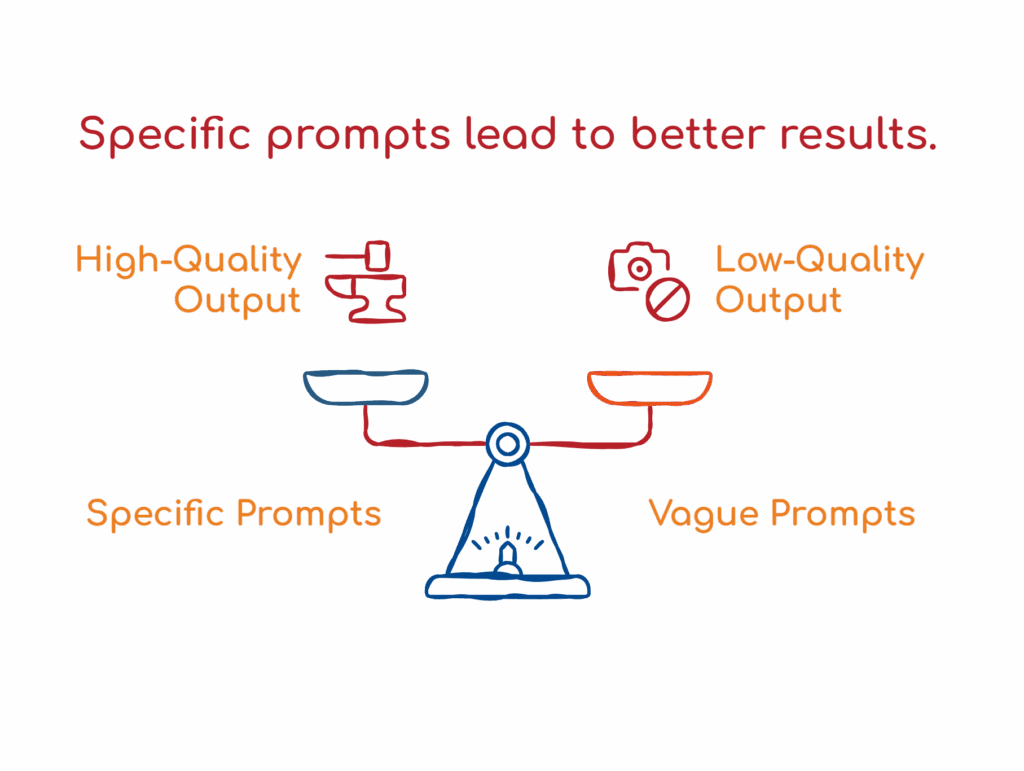
This isn’t magic. The quality of the output depends heavily on the prompt. Harold’s presentation worked because he was specific about what he wanted: the style, tone, visual elements, and purpose. Vague prompts produce vague results.
The tool also doesn’t replace expertise. It can synthesize information, but it can’t evaluate whether it is accurate or relevant to your specific context. Human review is still essential. We reviewed the slides before sharing them with the team, looking for anything that didn’t apply to our situation or needed clarification.
And while the design output is impressive for an automated tool, it won’t match what a skilled designer produces with intention and iteration. For internal training, it’s more than sufficient. For client-facing materials where brand presentation is critical, you might want additional refinement.
How to Get Started
Notebook LM is free to use. You can access it at notebooklm.google.com. Create a notebook, add your sources or ask it to research a topic, and explore the output options in the studio section.
If you’re new to the tool, I’d recommend watching Grace Leung’s YouTube content. She breaks down the capabilities in a way that’s accessible without being oversimplified. Her channel is one of the better resources I’ve found for understanding how these tools work in practice.
The Bigger Picture
What strikes me about tools like Notebook LM is how they’re quietly reshaping what small teams can accomplish. The bottleneck used to be bandwidth. You had good ideas for training, documentation, and internal resources, but actually producing them required time and skills that were always allocated elsewhere.
That bottleneck is loosening. Not disappearing entirely, but loosening. The gap between “we should create this” and “we created this” is getting smaller.
For companies of our size, that’s significant. We can move faster on internal initiatives without sacrificing quality. We can respond to needs as they arise rather than queuing them behind higher priorities. We can give our team better resources without burning weeks of someone’s time.
Notebook LM is one tool among many that enables this. The specific tool matters less than the shift it represents: production is becoming more accessible, and the constraint is moving from execution to judgment.
Knowing what to build and whether the output is good enough is still entirely human. The building itself is getting easier.
If you want to learn more about how AI is changing workflows like this, we cover these topics at our AI SEO & GEO Online Summit. It’s free, and we bring in practitioners who are applying these tools in real work: https://chrisraulf.com/ai-seo-geo-summit/
As always, stay safe and healthy.
Cheers,
Chris