
When was the last time you chose an AI-generated article over a video of a real person explaining the same thing?
Here’s the thing. Right now, everyone and their competitor is using AI to crank out blog posts and articles. The internet is drowning in text that reads the same, sounds the same, and says the same. I’ve been doing SEO since before Google was called Google, and I have never seen this much content that is this hard to tell apart.
Video is different. Video is where people actually get to know your voice, your identity, and your expertise. That is why it builds trust, and that is what makes someone choose a video over another block of AI-generated text. The reality is that AI didn’t kill video. It supercharged it. Our team is producing video faster and more consistently than ever, whether that is someone live on camera or an AI-assisted version of them.
In this week’s AI SEO Tip, our Head of AI, Harold De Guzman, opens up the tool we have leaned on for years to make that happen, and walks through the exact workflow step by step so you can run it yourself. Watch the full video above to learn more.
The Numbers Behind Our Bet on Video
We did not start with a production studio. We started with a recording tool for this AI SEO Tips series. From there, we added video podcasts with CEOs and top experts in the SEO and AI space, which became the AI SEO Insighter Podcast. As the tool kept adding AI features, our output kept getting better.
Here is what that looks like on my YouTube channel. Over the last 365 days, we went from 300 subscribers to more than 5,000. That is more than sixteen times the audience in a single year. On LinkedIn, over the same window, impressions have been climbing, and follower growth has been consistent.
But here’s the part most people miss. We don’t stop at the video. Every episode gets repurposed onto chrisraulf.com. The AI SEO Tips live there too. That means the video isn’t just a video. It becomes a page that ranks and a source that gets cited. In my experience, that second life is where most of the value in video actually sits, and it is the piece most teams skip.
Riverside Stopped Being a Recording Tool
The tool is Riverside. When we started, Riverside did two things for us. It recorded, and it cleaned up our audio. That was it.
Look at it now. Aside from recording, the sidebar gives you live streaming, webinars, and image and video generation. There are templates for intros, outros, and guest cards. There is an AI twin of yourself. And there are video generation models built right in, including Veo, Kling, and Seedance, which is Harold’s favorite. One heads-up before you go wild with those models: generating costs credits, so it is worth knowing your balance before you start experimenting.
Publishing lives in the same place too. You can create, generate, and publish without leaving the platform. Spotify hosting connects here, which is where the AI SEO Insighter Podcast lives. And the transcript Riverside produces is clean enough that we turn it straight into a newsletter.
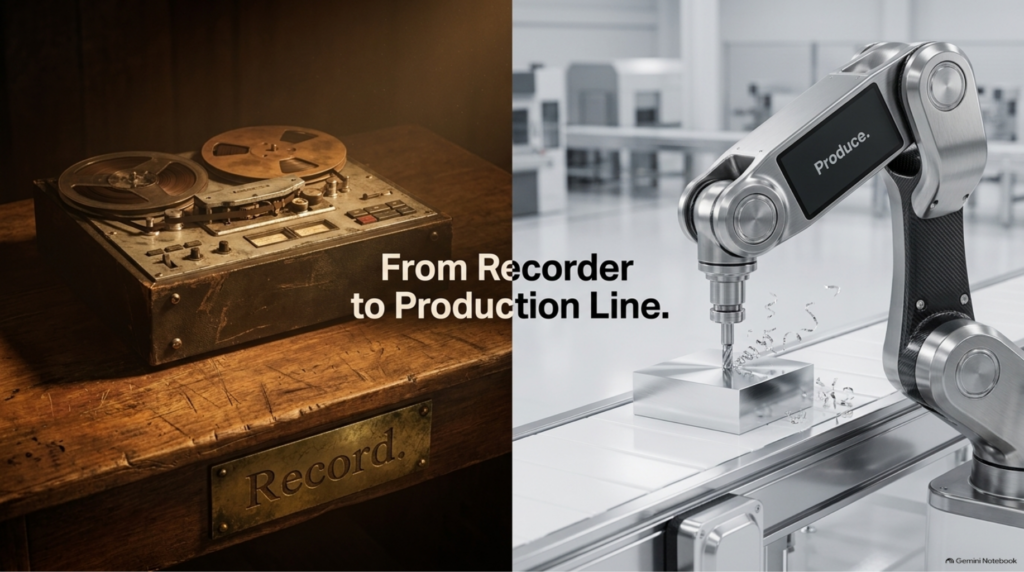
What’s fascinating about this is how quietly the category changed. Riverside stopped being a recording tool. It is a production line.
A recording itself is simple. Create a new session, join the studio, and hit record. If you have a guest, Riverside hands you a link. Send it over, they join, and each of you records on a separate track. That is exactly how we recorded my recent AI SEO Insighter episode with Jim Kreinbrink of Hyper Dog Media.
Set Up Your Brand Before You Record Anything
This is the step that saves the most time over the long run, and it has to happen before you hit record.
Click Edit, then go to Brand. From there, you can choose a theme. If you don’t have a brand kit yet, upload your personal logo or your company logo. Then choose your colors, your text styles, your background, and your captions. If you have brand media, add that as well.
Once everything is set up, click Apply Brand. From that point on, every raw recording comes out already branded. Harold put it best in the video: set it up once, save yourself hours forever.
There is one more setting here worth your attention. Riverside lets you adjust tone and voice for the newsletter output and for its AI assistant, Co-Creator. If you have ever set up a Claude project, this works the same way. You tell it about yourself and your brand so it can recommend the right assets. The more context you give it, the more on-brand its suggestions get, so play around with it before you rely on it.
What Happens After You Hit Stop
This is where it gets good. The finished recording lands in Projects, and Riverside generates what it calls a Magic Episode. That is an AI-polished draft cut to your preferences.
The example Harold shows in the video went in as an hour of raw footage. It came out at 36 minutes and 16 seconds, with the ums and the dead air already stripped out and the branding already applied. Nobody touched it. That is a finished video. You can download it or push it straight to YouTube.
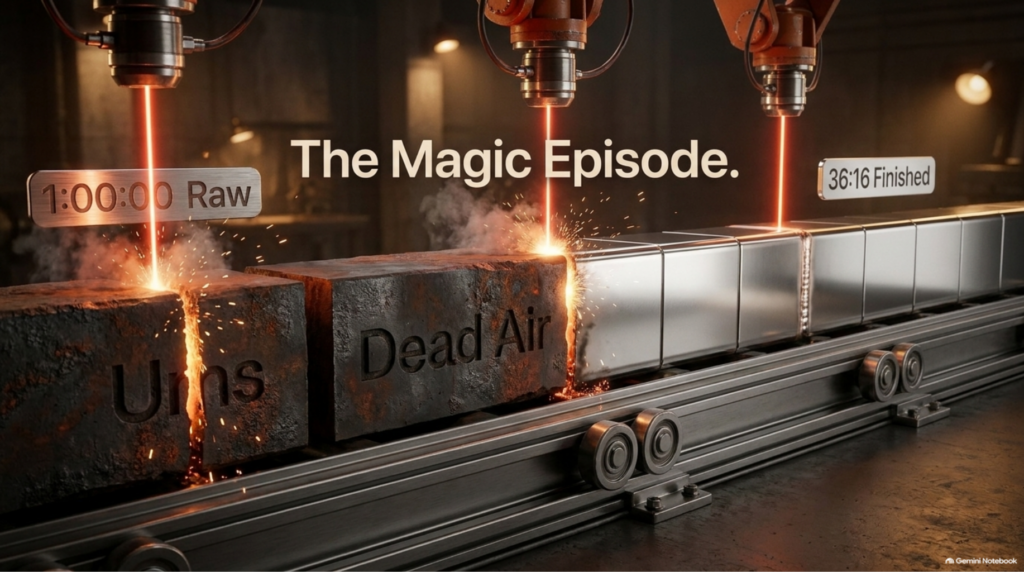
Think about what that used to mean. Cutting an hour of raw footage down by hand meant scrubbing through the timeline, finding every pause, and trimming every filler word before you could even think about publishing. That is the work Magic Episode now does before you open the project.
Scroll down, and Riverside has also built your short clips automatically. These are Magic Clips, and each one is scored based on what is actually being said in it. The top pick is the one with the strongest hook in the conversation. Most of the time, we run what Riverside picks for us, and it works.
If you want to fine-tune a clip, click Edit. Shorts and long-form videos share the same editing interface, and the branded border and logo are already applied. On the side panel is Co-Creator, Riverside’s own AI. Harold asked it to add B-roll that matched the conversation where it made sense, and it placed two B-roll moments on the timeline. From there you can resize them, shift the timing, or tell it to try again.
If you would rather choose the visuals yourself, there is a stock library with video, images, and royalty-free audio for intros and outros. There are motion graphics if you want to get more creative with the edit. And if you have older footage or assets, click Media, upload the file, and drop it directly onto your Riverside timeline.
Under AI tools, the feature Harold uses on almost everything is Magic Audio. You don’t need a professional microphone. You can record on your phone, without a professional camera, and Magic Audio processes your track so it comes back sounding like a studio recording.
Co-Creator also handles thumbnails. Ask it to generate a YouTube thumbnail, pick a template you want to follow, give it the title, and it comes back with options you can download and use when you upload to YouTube.
Once you are happy with the captions, the B-roll, and the thumbnail, click Export. You can export up to 4K depending on your plan. We are on the Pro plan, which Riverside lists at $24 a month billed annually. This is not a sponsored post. We pay for Riverside ourselves. There is a two-week trial if you want to test it first.
The 30 Seconds That Matter Most for AI Search
At this point, you have a long-form episode, shorts, and a thumbnail. Here is what we actually do with them.
Publish the long-form episode first. Then take one Magic Clip, fine-tune it, and put it out as a trailer with a call to action pointing to the full episode. The reason is simple. People get a glimpse of the conversation and can decide whether they want to see the rest. The trailer does the qualifying for you, and the people who click through already want what is on the other side.
Now, the step I want you to remember. Open View Show Notes and pay attention to the chapters.
Chapters are what turn one video into multiple citable moments for AI search. Instead of one long video that an AI system has to parse as a single block, you hand it a structured set of labeled moments, each tied to a specific topic. Copy the chapters into your YouTube description exactly as Riverside generated them. Don’t rewrite them to sound clever. The value is in the labels matching what is actually said at each moment. Harold called it the highest-value 30 seconds in the entire workflow, and I agree with him.
Here’s what I’ve learned after decades in this industry. Search engines, and now AI systems, reward content that is easy to understand and easy to reference. Chapters give you both in half a minute of copying and pasting. If you want to see how we think about measuring whether your content is actually showing up in AI search, I covered the new Search Console AI visibility report in an earlier tip.
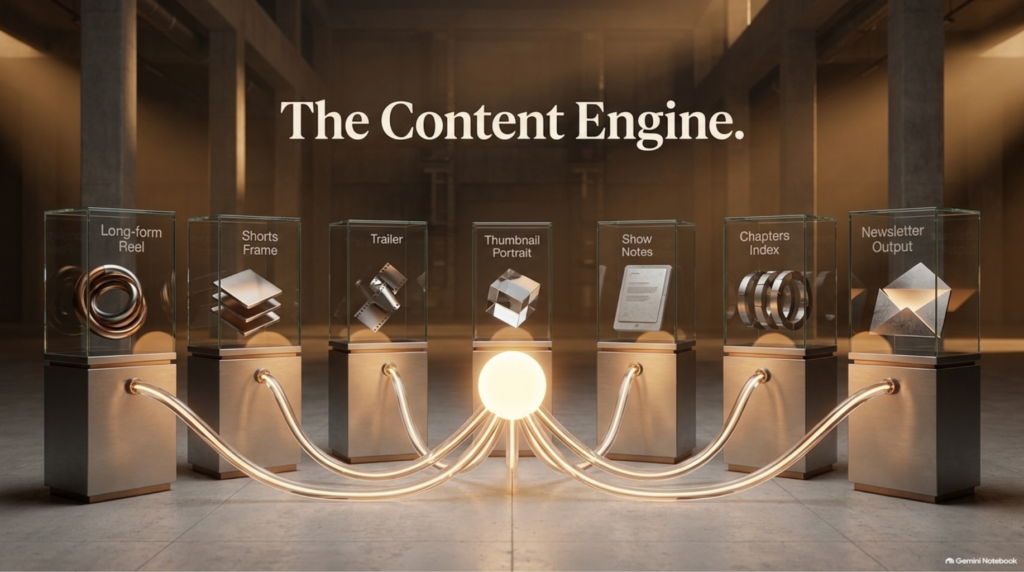
So let’s add it up. One recording becomes a long-form episode, shorts, a trailer, a thumbnail, show notes, chapters, and a newsletter across YouTube, LinkedIn, and the website. Every one of those assets feeds the same authority. AI didn’t kill video. It made video the only thing left that proves a real person is behind the work.
What to Do Next
Start with one recording. Before you hit record, set up your brand in Riverside. After you hit stop, let Magic Episode and Magic Clips do the first pass, publish the long-form episode, cut one clip into a trailer, and copy your chapters into the YouTube description. That sequence alone will put you ahead of most of the video content being published this week.
If video with AI avatars is on your radar, our earlier tip on how HeyGen and ElevenLabs are reshaping video SEO is a good companion to this one.
What Harold showed you is one piece of the system. Riverside handles the production, but the content engine behind it is something we built ourselves. The manual way works, and you just saw it. When you are ready to automate it, microSEO.ai (formerly BSM Copilot) is our platform for producing content that actually gets found in Google and AI search.
Harold will demo microSEO.ai live at the AI SEO & GEO Online Summit on Wednesday, October 7, 2026, from 9:00 to 11:00 AM Mountain. It’s free, and it streams live on YouTube. The lineup includes Bogdan Babiak, CMO of SE Ranking, Shawn Davis of Duda, and Simon Golding and Daniel Burns from our team at Boulder SEO Marketing. We’ll all be breaking down where AI search is heading and what to do about it.
Save your seat for the summit, and if you want help building a video and content system like this for your own business, let’s talk about how we can work together.
Stay safe and healthy.
Cheers,
Chris