
When was the last time you opened ChatGPT and did something other than ask it a question?
That is the honest state of most teams I talk to. They pay for the subscription, use it like a search box with better manners, and never once touch the part of the product that actually does the work. Meanwhile, the interface keeps growing. Connectors. Plugins. Scheduled tasks. Local folders. Sites. The vocabulary alone is enough to make a busy owner close the tab and go back to doing it by hand.
Harold De Guzman, our Head of AI at Boulder SEO Marketing and Chris Raulf AI SEO, had exactly that reaction. So he did what he always does. He sat down with it, worked through the whole thing, and stripped it back to the parts that matter. Not thirty features. Five concepts. Once those five click, the rest of the interface stops looking like jargon and starts looking like a menu.
Watch the full video above to learn more.
I want to walk you through all five, then explain why this ended up in an AI search channel rather than a productivity channel. That last part is the whole reason I published it.
Chat Answers. Work Delivers.
Everything starts with a toggle at the top of the page. ChatGPT now splits into Chat and Work, and knowing which one you are in is the entire foundation. Get this wrong, and nothing else makes sense.
Harold proved it with the same subject twice. In Chat, he asked how local roofing companies in Denver typically try to stand out from each other. He got what you would expect. A tidy conversational answer, a handful of points, a few seconds. Useful when you need to understand something quickly.
Then he handed the identical subject to Work as an assignment. Not a question, an instruction: build a one-page competitor snapshot comparing three local roofing companies in Denver, covering how each one positions its services, any pricing signals, and one gap we could own, returned as a clean document I can review.
What came back was an actual document. Laid out, sectioned by competitor, with positioning, pricing signals, and the gap. Something you could drop into a client folder or carry into a strategy call without touching it.
Same topic. Two completely different outputs. That is the rule, and it holds every single time. Chat is for talking it through. Work is for producing the thing you were going to spend an afternoon on. According to OpenAI’s own documentation, Work is an agent built for longer, multi-step jobs and finished deliverables, available on paid plans other than Free and Go.
The Connector That Read Our Own Blog Back to Us
The second concept is what makes any of this useful to a business rather than impressive in a vacuum. Connectors, also called plugins or apps, give the assistant access to the tools you already use. Google Drive, Slack, Teams, calendars, and a long list beyond that. OpenAI documents the full directory and how to enable each one.

You call them with an at sign, just as you would tag a colleague. Harold pointed it at our own Drive and asked it to pull our services page and our last five blog posts, then return a content gap analysis: the top five topics our ideal clients are searching for that we have not covered yet, and why each one matters for getting found in AI answers.
It read the documents. It found the posts we published this year. It came back with five gaps, each tied to a reason.
Sit with what that changes. The assistant was not guessing at what our agency does from a paragraph of context we typed in. It read our actual positioning and our actual published work, then told us what was missing. That is the difference between generic advice and advice about you, and it is the same principle behind the Universal Content Engine methodology we teach. Feed the system real material about the business, and it stops producing slop.
The Task That Runs Without You
Third concept, and the one most people misunderstand. Scheduled tasks let the assistant run a job on its own clock.
The misconception is that this means a once-a-day summary. It does not. A task can repeat on a schedule, fire on a trigger, or simply monitor a situation and notify you only when something meaningful changes. OpenAI’s documentation covers the Scheduled page in the sidebar where you view, pause, edit, and delete everything you have running. The one hard limit worth knowing is that a task cannot run more than once per hour.
Harold built one live. He asked for a scheduled task to scan his email and flag anything that needs attention. The assistant did something I want you to notice: it asked a clarifying question first, wanting to know which emails should count as important. He answered invoices and deadlines. It created a task called email monitor, set to check Gmail hourly, excluding spam and promotions.
Then he ran it on demand to test it, and it reported back that nothing qualified. No invoices, no payment issues, no urgent deadlines. No alert needed.
That is a quiet result, and it is exactly the right one. An automation that stays silent when there is nothing to say is an automation you can actually leave running. This is the same thinking behind the AI task audit I walked through earlier this year. Find the repetitive checks eating your week, then hand them to something that does not get bored.
The Desktop App Is Where It Stops Being a Demo
The fourth concept is the one that surprised me most. The ChatGPT desktop app for Mac and Windows can open a folder on your actual computer and work inside it, with your permission, file by file.
Harold set up a demo folder containing eight files: an empty lead tracker spreadsheet and five fictional sales prospect call recaps. He created a project, added the folder, and granted access. First, he asked for a recap of everything it could see. It found all eight and named them correctly.
Then he pushed it. Take the lead details from each call recap in this folder and add them as rows in the tracker.
The names appeared. Dana, Marcus Lee, Priya, Tom, Sophia. Then he did the thing that separates a demo from a claim: he closed the assistant and opened the actual spreadsheet on his machine. The rows were there.
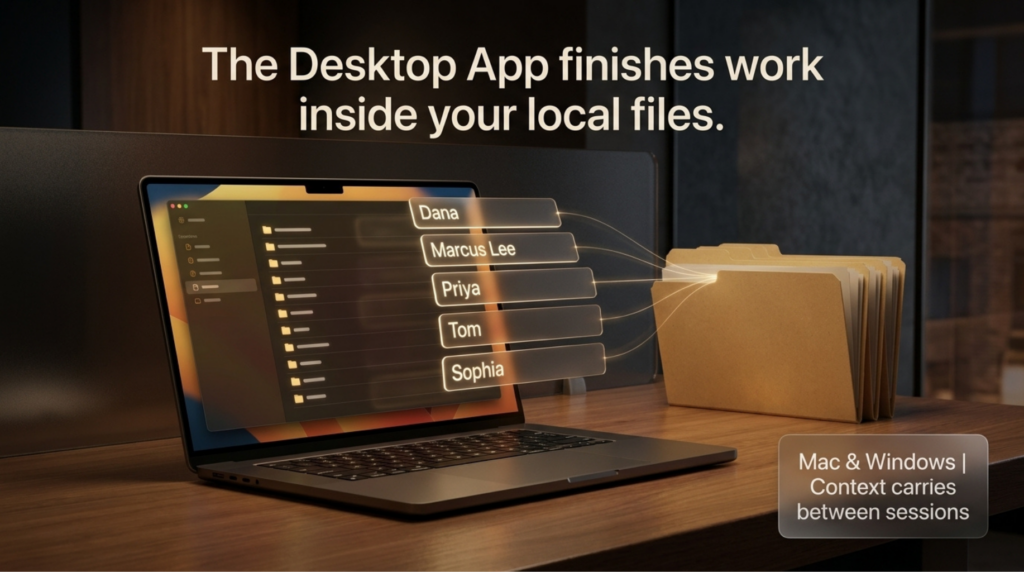
That is the moment the whole product changes character. It is no longer generating text you copy somewhere. It is finishing a task inside the files your business already runs on. Work treats a folder the same way it handles a project, keeping related chats, files, and instructions together, so context carries between sessions instead of resetting every time.
A Dashboard You Can Share Without Sharing the File
The fifth concept is Sites, and it solves a problem every small team has. The tracker was now full, but it lived on one laptop, in a file Harold did not want to hand around.
So he asked for a mobile-friendly lead dashboard built from that spreadsheet, showing total leads, a breakdown by status, and estimated monthly budget. About ten minutes later, there was a working dashboard he could open from his phone. Five leads, names, budgets, all of it live.
Nobody had to receive the file. Nobody had to have the right software. You share a link, and the team sees the current state.
Worth being straight with you here: Sites is still in public beta, available to workspaces, Plus, and Pro accounts, and it may still be rolling out to yours. OpenAI’s help page has the current state. But the direction is unmistakable, and it echoes what we found when AI agents cut our own tool build times from months to days. The gap between having data and having something usable built on top of it is collapsing.
Why This Belongs on an AI Search Channel
Now the part that matters more than any of the five.
The same AI you are putting to work behind the scenes in your business is the AI your customers are now using to find businesses like yours. They ask it who to hire. What to buy. Who to trust. And it answers with a short list.
You want to be on that list. Automating your internal workflow does not put you there. Nothing in this newsletter puts you there. Those five concepts give you time back, and time back is genuinely valuable, but visibility is a separate job.
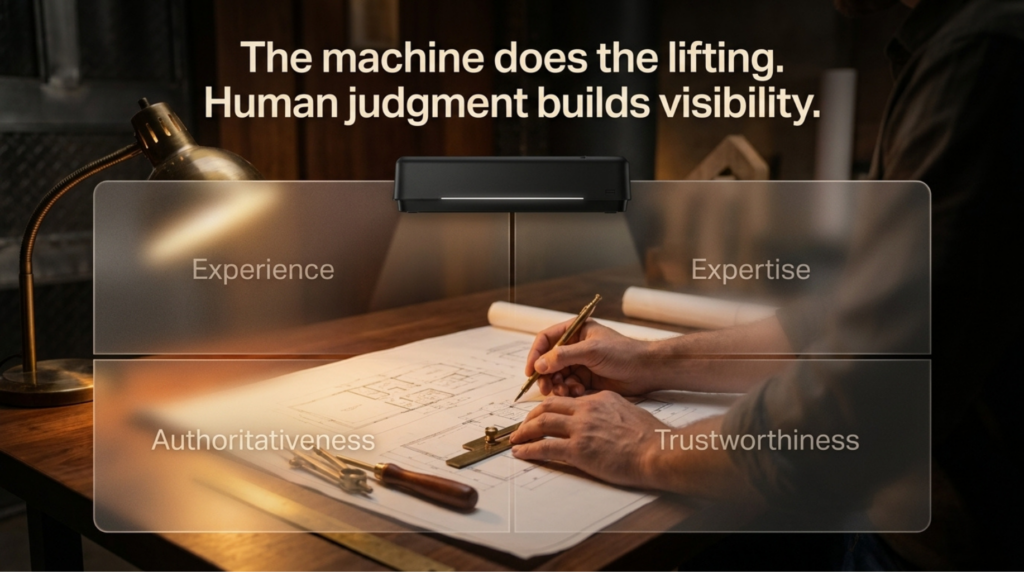
The manual way is real work, and it still wins. You publish content that is genuinely helpful rather than volume for its own sake. You build real E-E-A-T, which means demonstrable experience and expertise, not claims about it. And you keep a clear, current, consistent story of who you are and who you serve, because that is what the models read when they decide whether to name you.
The data backs this up plainly. Sites that AI crawlers actually visit outperform the ones they ignore by a wide margin across traffic, form submissions, and calls. And you no longer have to guess whether you are in the room, because Search Console now reports on AI visibility directly.
That is the human driven, AI-assisted approach in one paragraph. Use the machine for the repetitive lifting. Keep the judgment, the experience, and the point of view human. It works, and after nearly thirty years watching search reinvent itself, I have not seen a shortcut that beats it.
What to Do Next
Start narrow. Pick one repetitive thing you did three times last week and rebuild it as a Work assignment instead of a chat. Then add one connector, pointed at wherever your real information lives. That is a single afternoon, and it will tell you more than another month of reading about AI.
Then look outward. If you are automating hard internally but have no idea whether AI search is naming you, that is worth an honest look. Take the complimentary AI SEO audit, and I will personally review where you stand. If you want the deeper version, my team and I do this work every day.
And save the date. The next AI SEO & GEO Online Summit is Wednesday, October 7, 2026, from 9:00 to 11:00 AM Mountain. Free, streaming live, five speakers, including Harold, demonstrating the platform side of this. No pitch at the end.
Every episode in this series lives on the AI SEO Tips page if you want to work through the archive.
Stay safe and healthy.
Cheers,
Chris